
Advisor
Draft from a finding
Open a draft already about the listing an action points to, and why.
Make the next move / Listing copy & mockups
Titles, descriptions and tags drafted from your shop's own selling listings, and checked against Etsy's limits before you see them. Studio stages your artwork in scenes you choose. You review everything and apply it yourself.
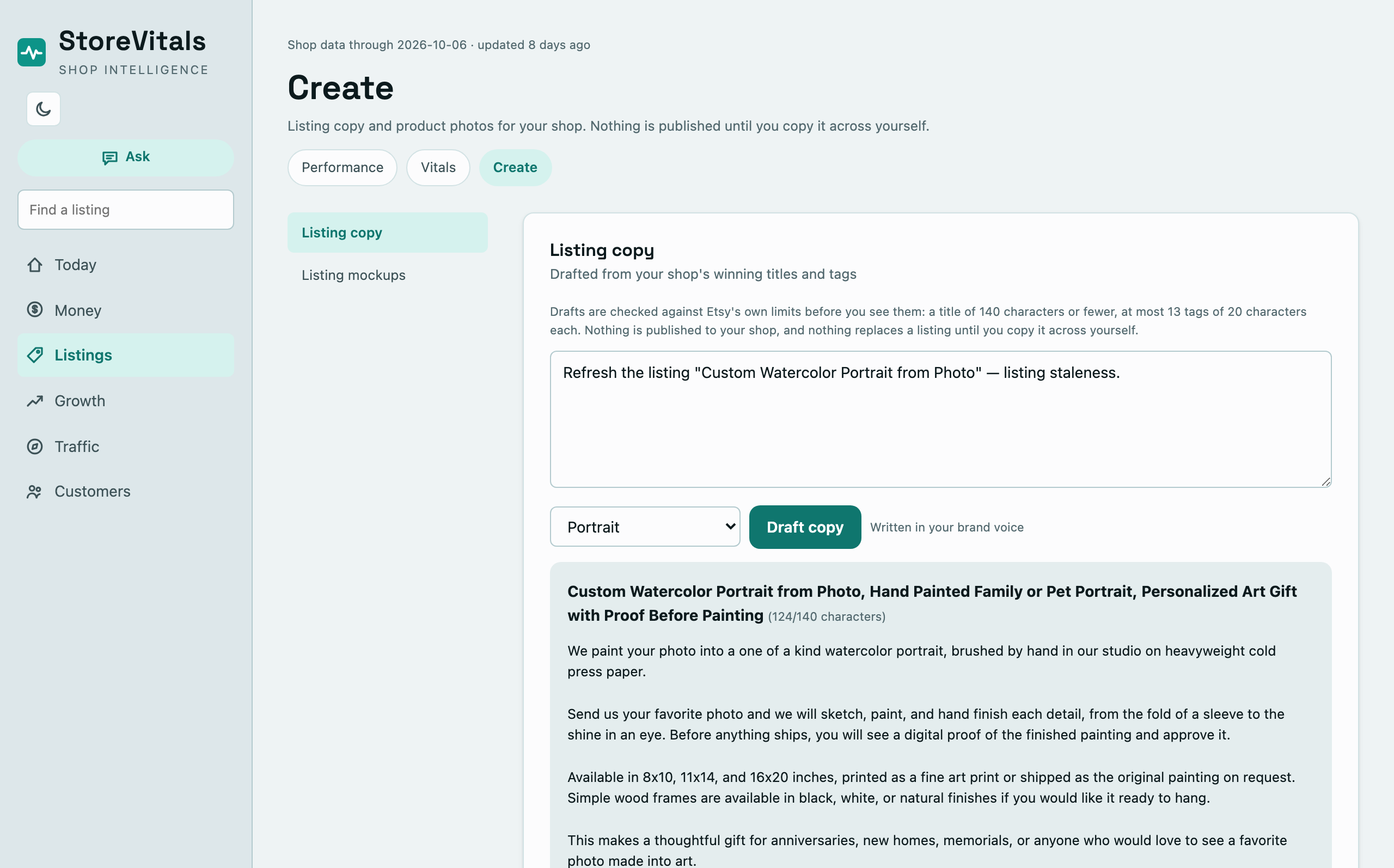
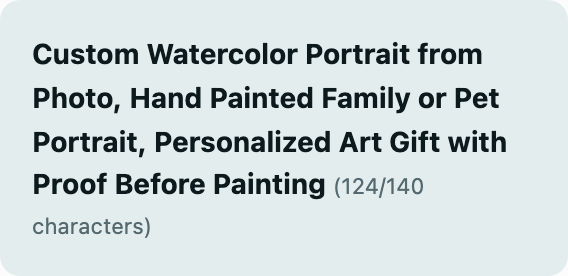
A draft for one listing, counted against Etsy's limits.
Advisor
Open a draft already about the listing an action points to, and why.
Advisor
Describe a product and get a title, description and 13 tags.
Advisor
Write the part a check asks for, in place.
Studio
See your artwork in the scenes your shop keeps.
Start where the shop review points: a listing that needs work, and the reason it does.
Start from a finding
Every action on a listing offers Draft an improvement. It opens a draft already about that listing and the reason it needs work, so the brief is written for you.
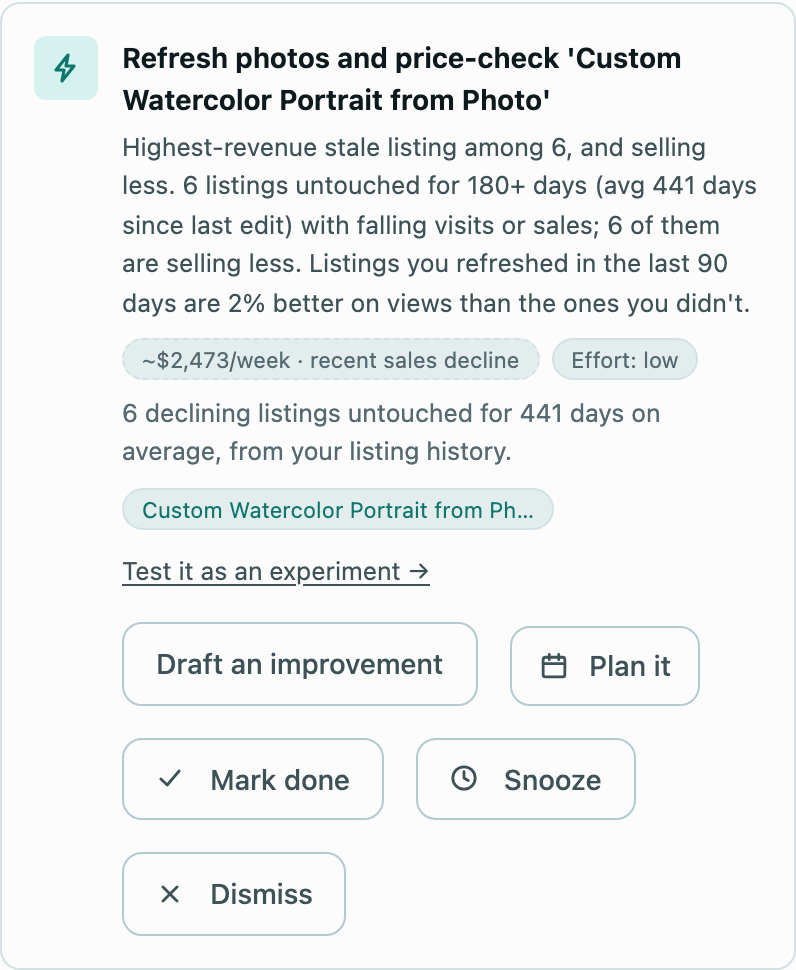
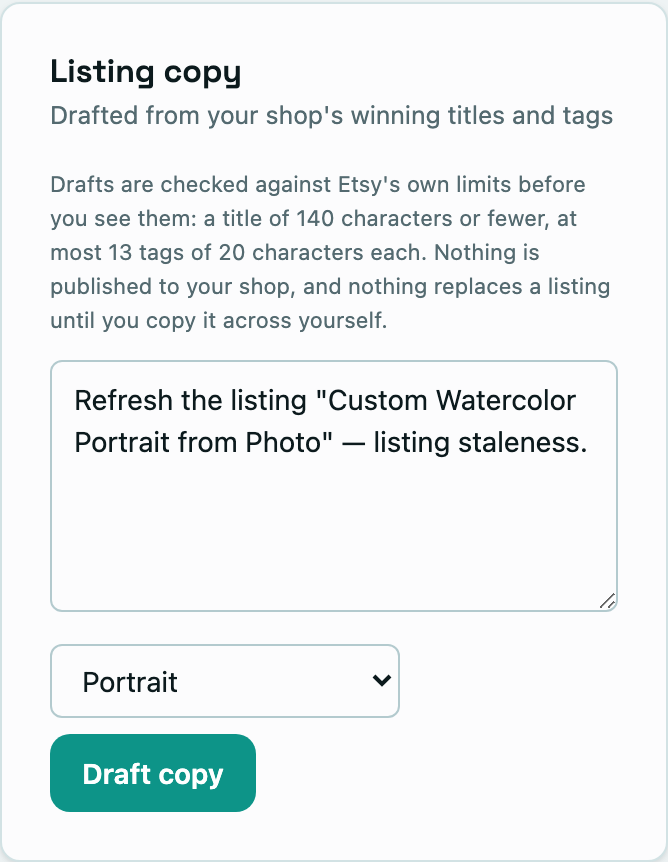
Draft an improvement, from an action on a declining listing.
Inside Listing Vitals
When a check such as using all 13 tags isn't met yet, Draft it writes the missing part for that listing, in place, with the reason beside it.
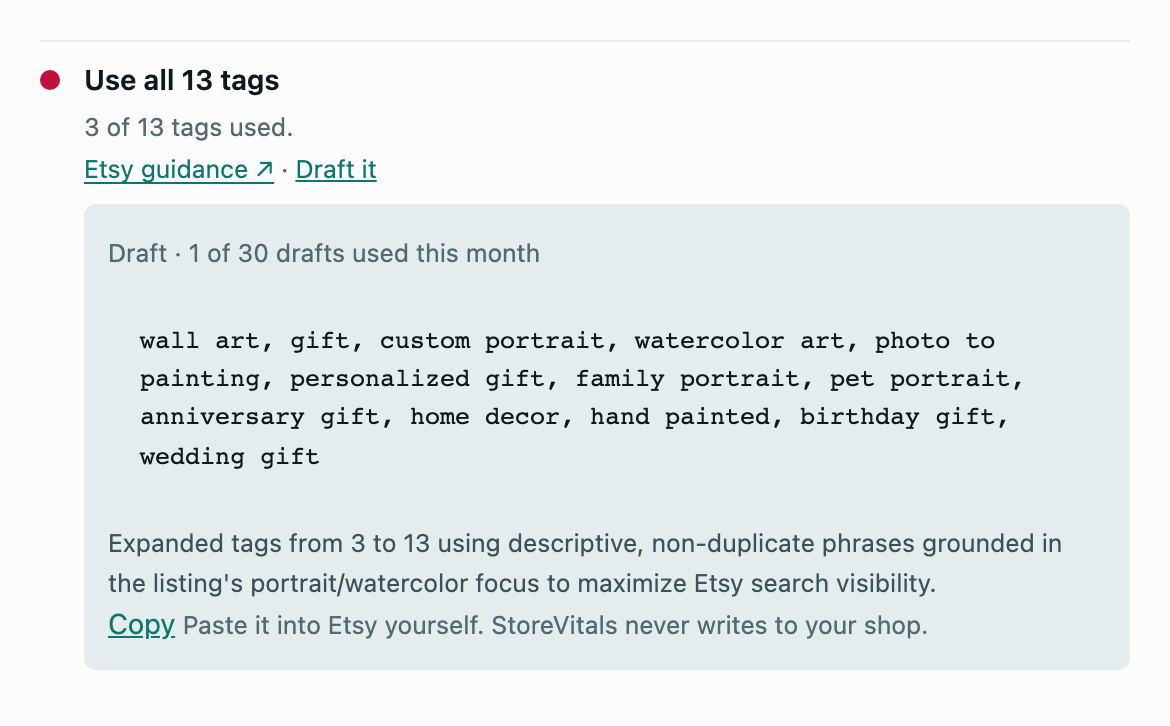
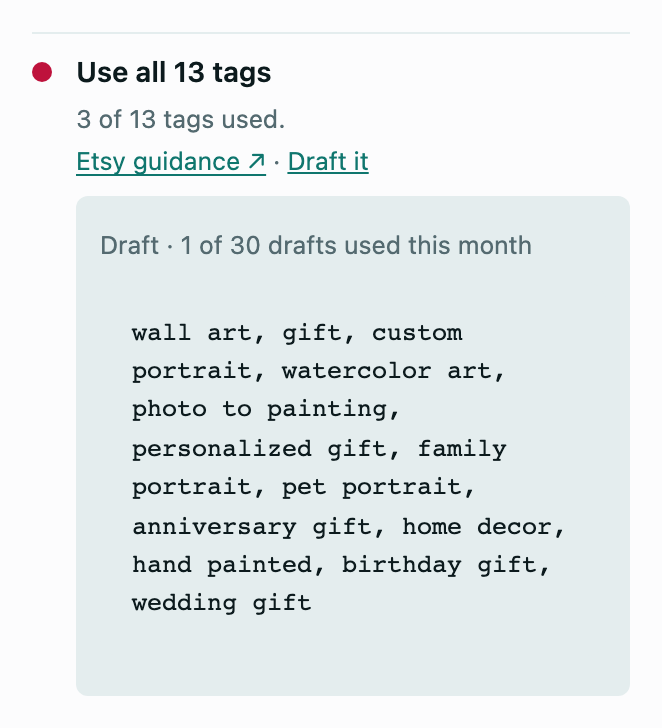
Use all 13 tags, drafted in place for one listing.
Mockups
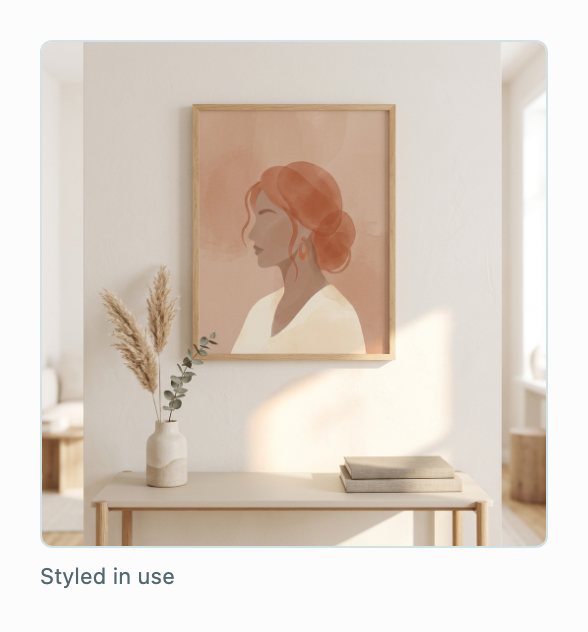
Upload your artwork, tick the scenes your shop keeps, and Studio makes one image for each, asking for your artwork to be kept exactly as it is. Generated images can still change detail, so compare each with your original and keep only the faithful ones.
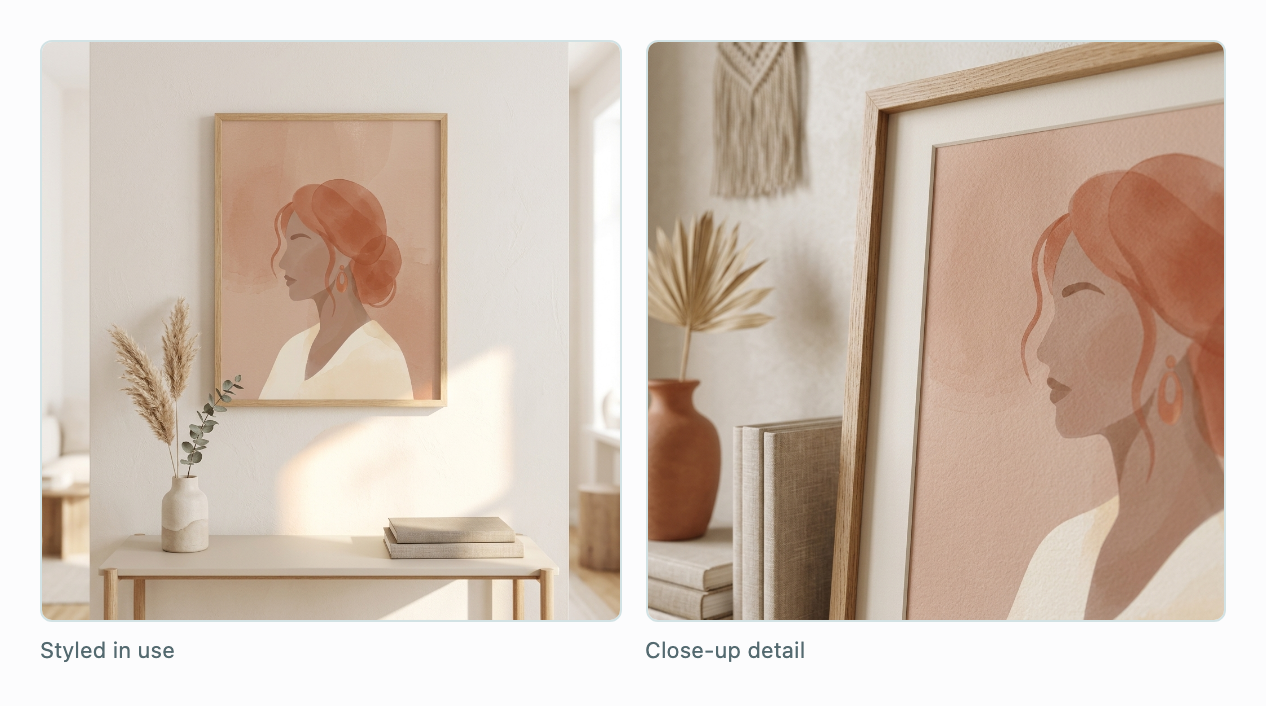
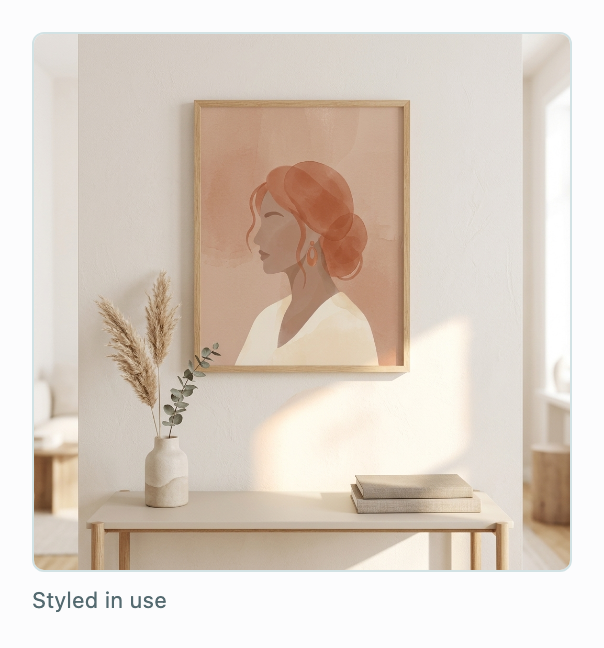
One listing's artwork, staged in the shop's own scenes.
Checked before you see it
A title of 140 characters or fewer, and up to 13 tags of 20 characters each. A draft that breaks a limit is refused, never quietly trimmed, so what you copy fits.
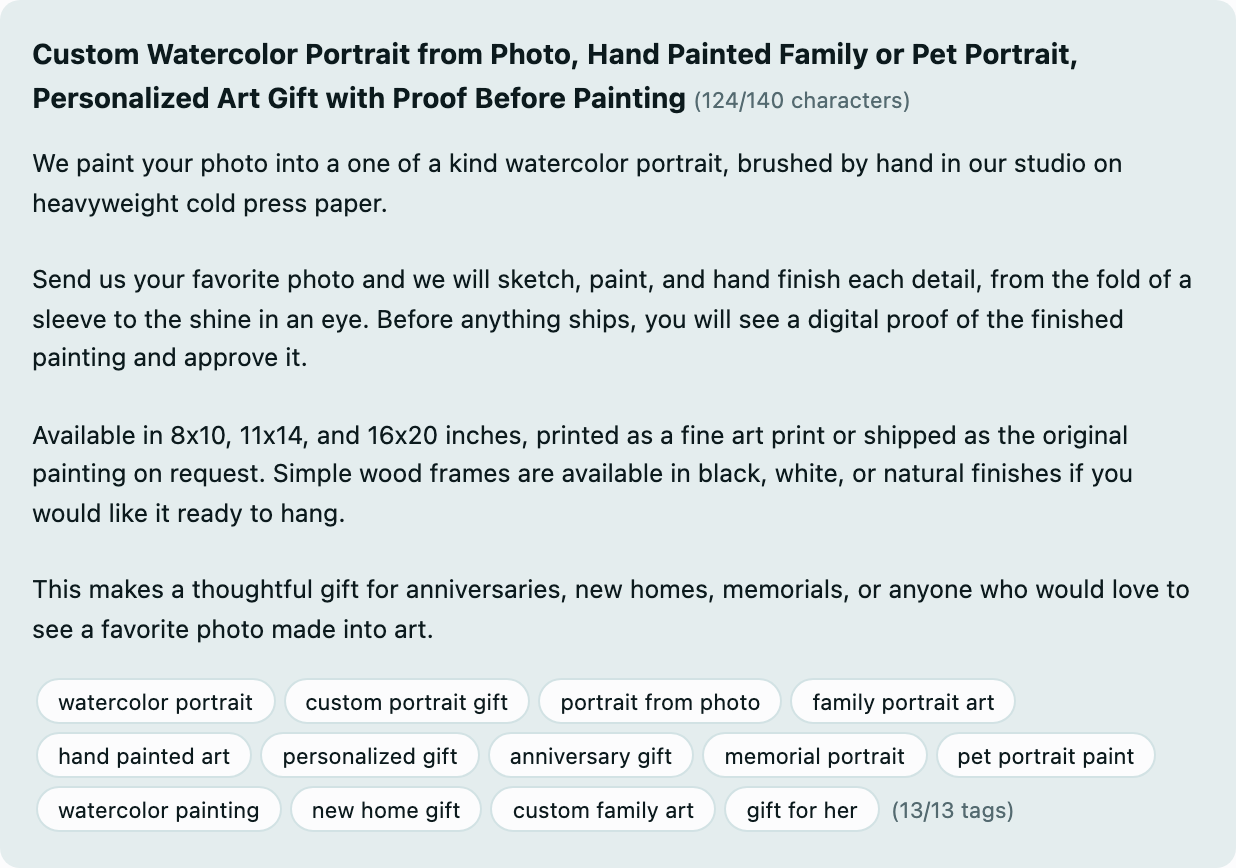
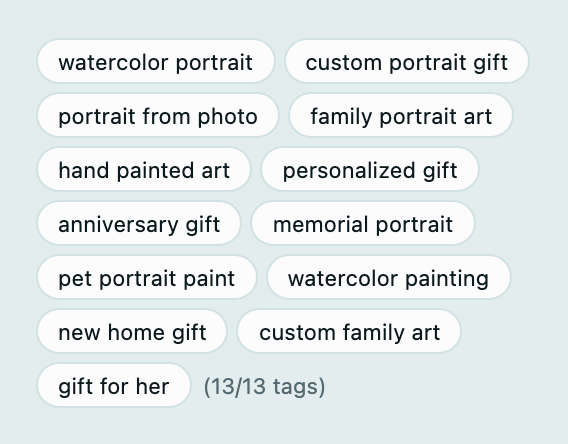
The whole draft, with each part counted against Etsy's limits.
You stay in charge
StoreVitals connects to Etsy read-only. A draft or a mockup is a suggestion: you decide what to copy across to your listing, and nothing is changed on Etsy for you.
Continue the investigation
Listing Vitals checks every active listing and puts what to do first at the top.
Explore Listing Vitals ↗Questions
No. StoreVitals connects read-only. You copy a draft into Etsy yourself, when you choose to.
Your brief or the finding it starts from, and the titles and tags of your own selling listings. StoreVitals doesn't estimate search volumes.
It can. Each request asks for your artwork to be kept exactly, but image models can still alter detail, so compare every mockup with your original before using it.
Advisor includes 30 listing drafts a month. Studio includes 75 listing drafts and 50 mockup images a month, shared across its shops.
Create a free account. Upgrade to Advisor when you want listing drafts, or to Studio for mockups.